Creator kit
Real Lynx footage for your video
Screen recordings of Lynx 1.1.8 straight from a MacBook Pro, in full quality. Plus the app icon, screenshots and the facts. Free to use in any video about Lynx.
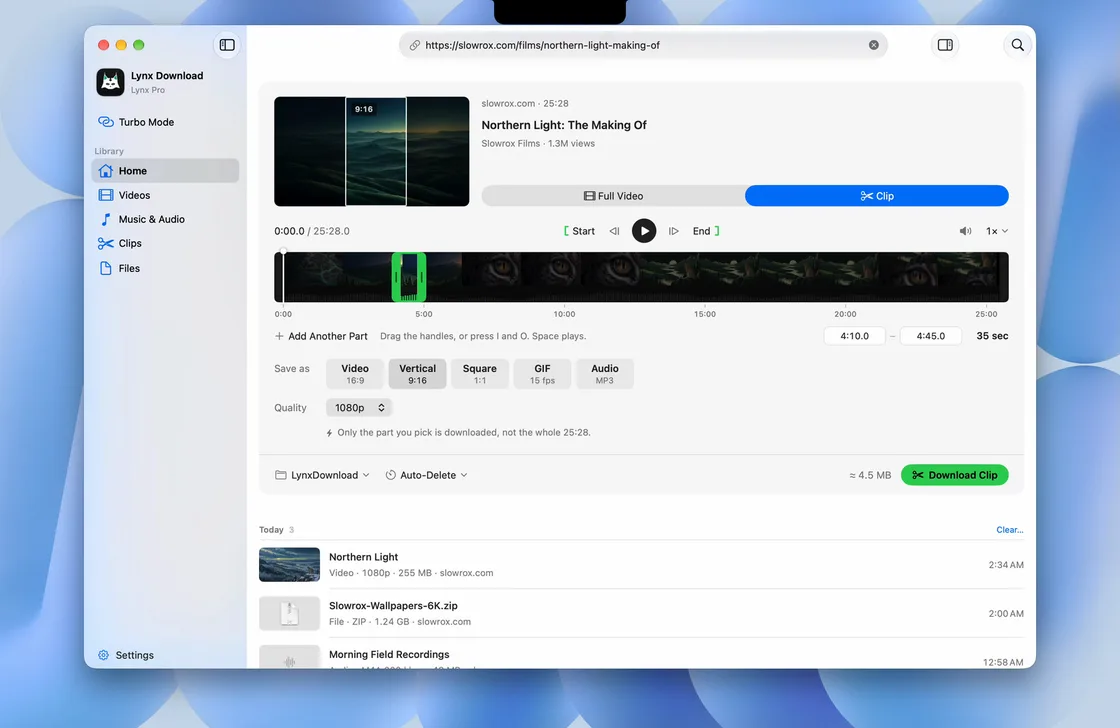
Screen recordings
MP4: H.264, 60 fps, works in every editor. Original: the recording itself, HEVC 10-bit. No sound, so your voice and music sit on top.
-
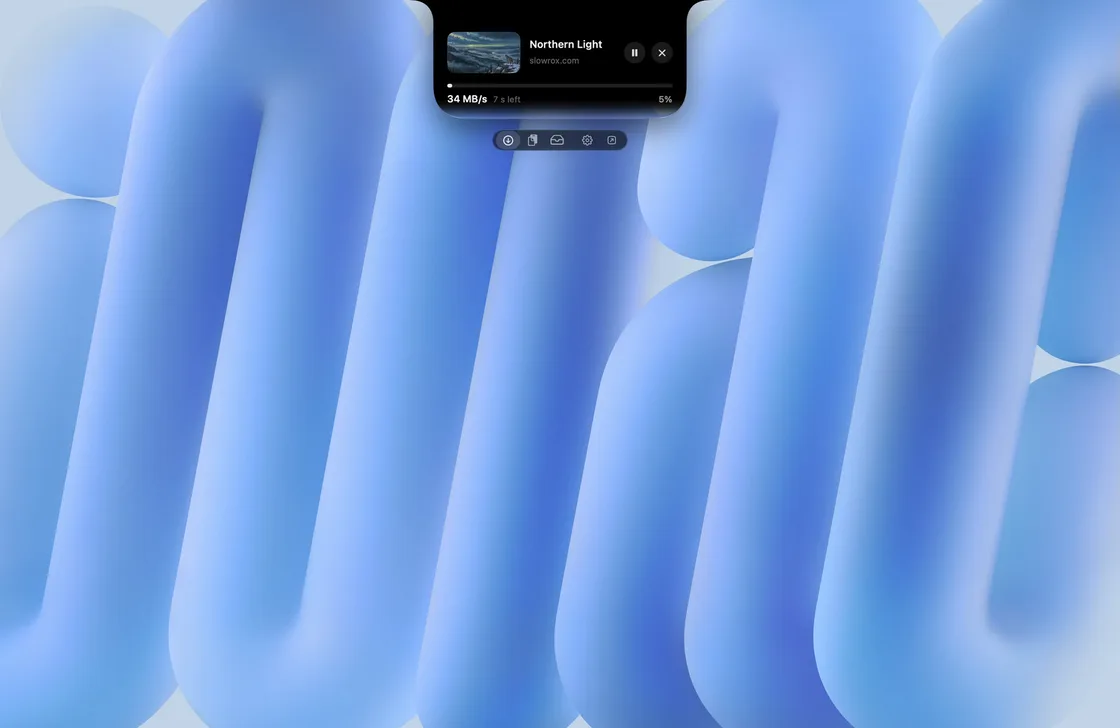
Copy a link, download from the notch
Copy a link and Lynx offers it under the notch. Pick 1080p, it downloads, then Done.
-
Paste a link, download just a clip
Paste a link into Lynx, switch from Full Video to Clip, drag the handles and download only that part.
-
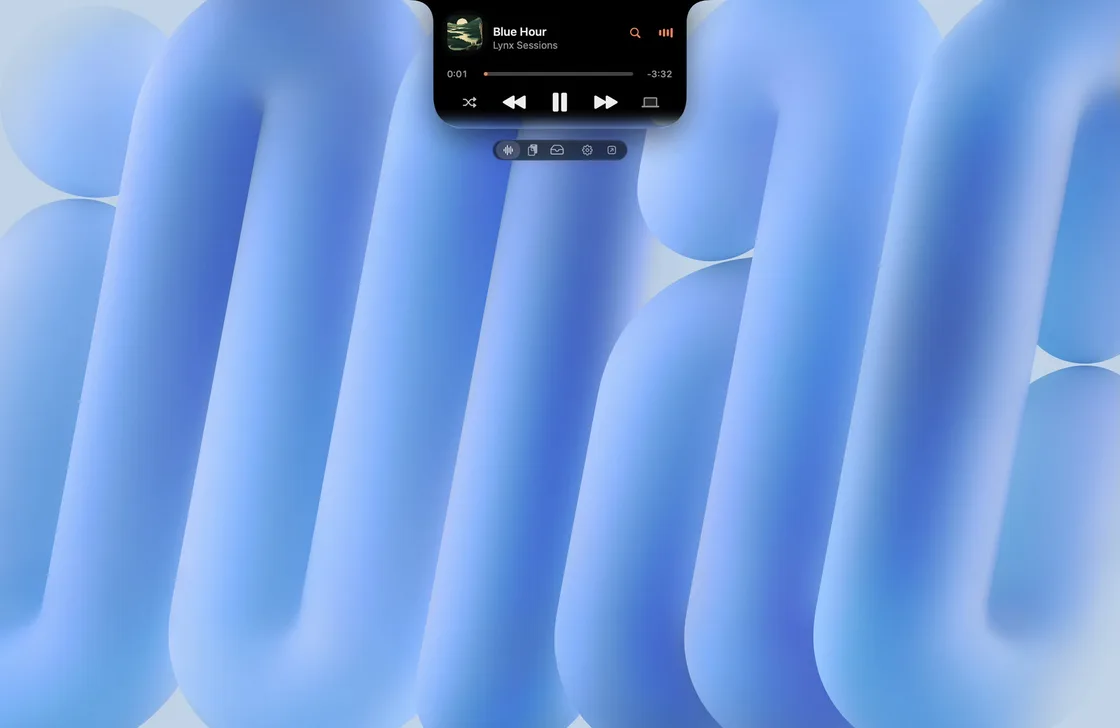
Music in the notch
The notch player: play, skip and search your music without leaving what you are doing.
-
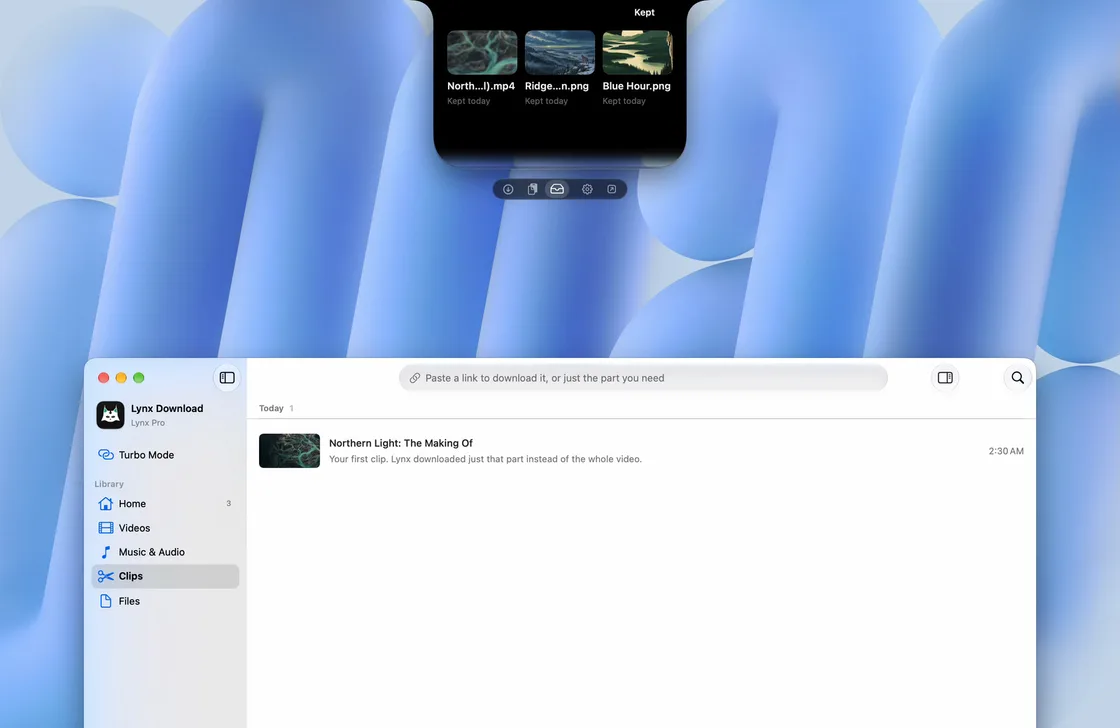
Shelf and Send to Phone
Files you keep wait in the notch Shelf. Send one to your iPhone with a QR code.
-
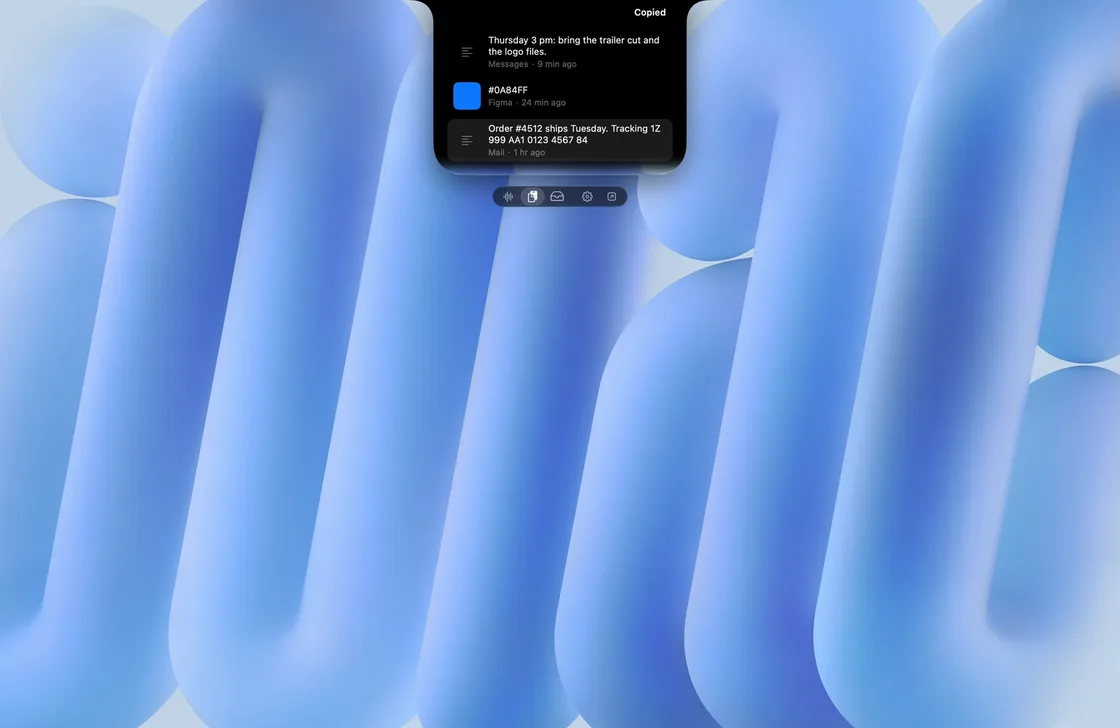
Clipboard history in the notch
Everything you copied, in the notch. Pick one to copy it again.
-
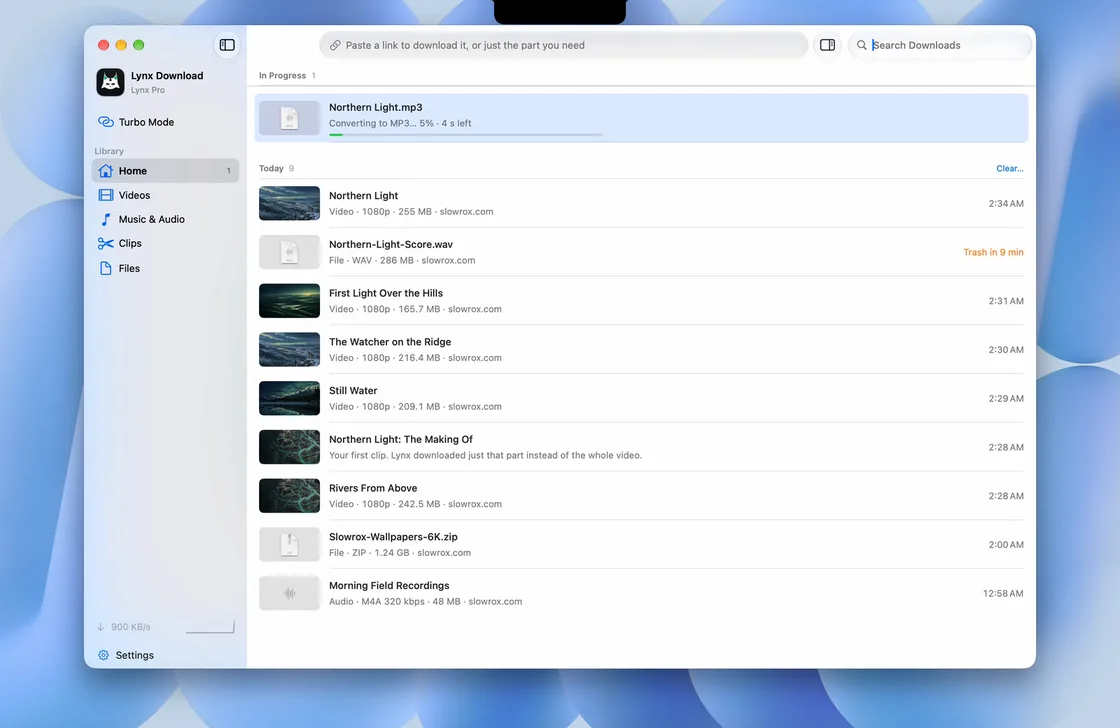
Your downloads in one list
Every download in one list, with search as you type.
-
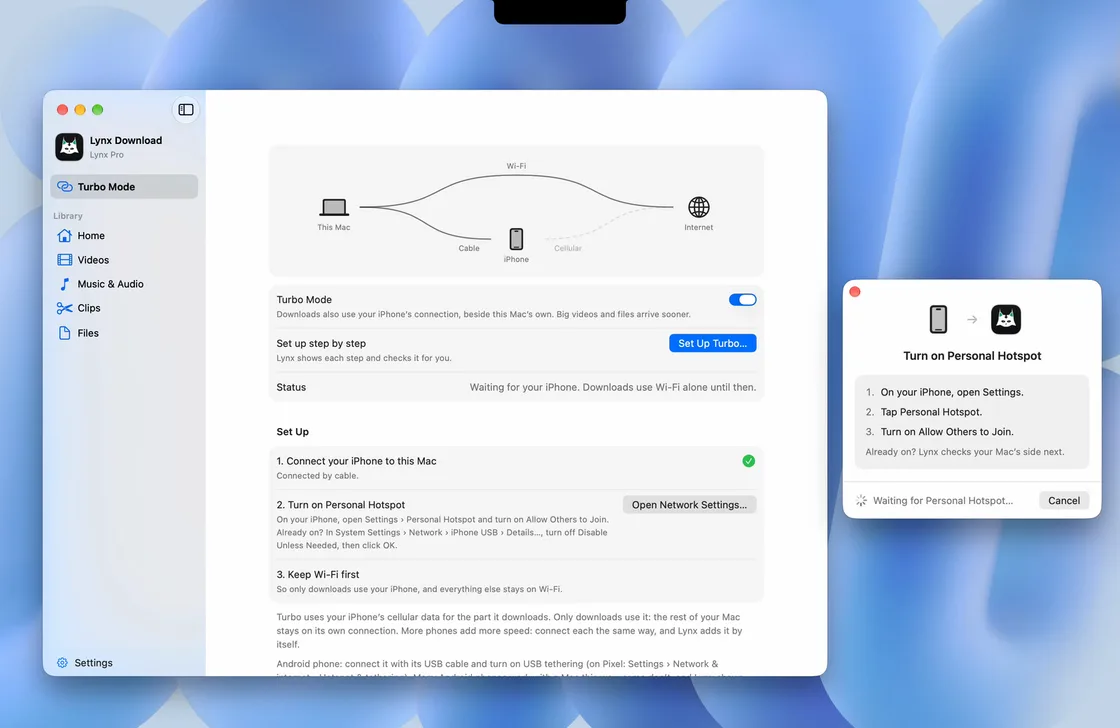
Turbo Mode setup
Turn on Turbo Mode and Lynx walks you through connecting your iPhone, step by step.
-
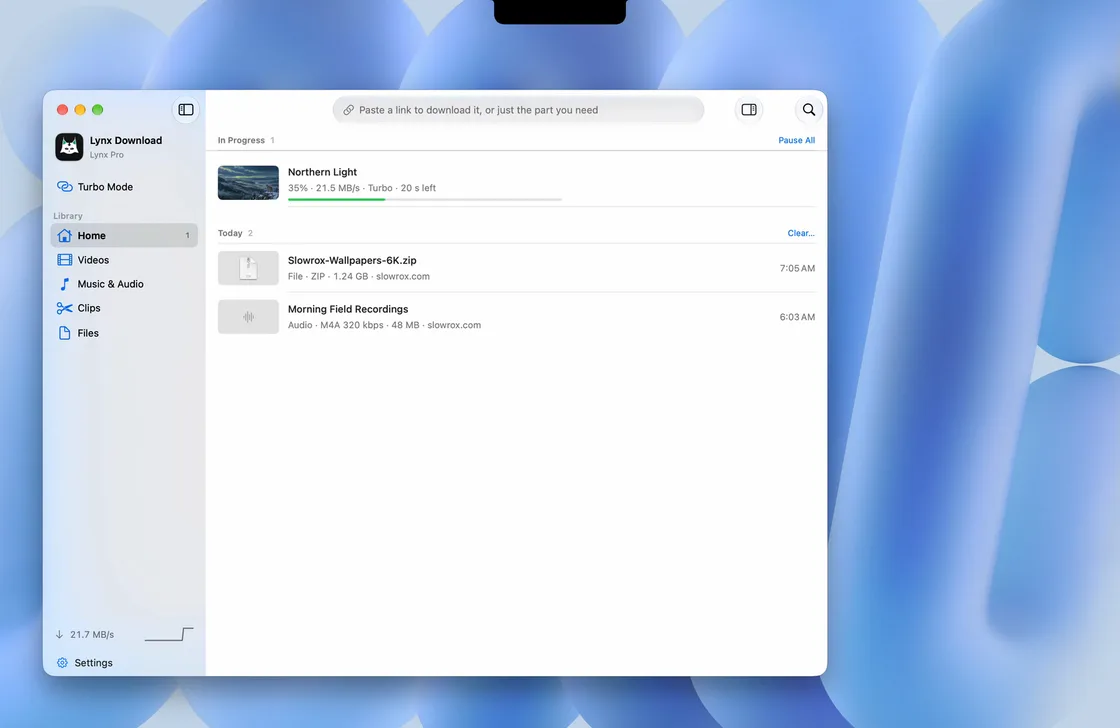
Turbo in the downloads list
A big file downloading with Turbo Mode on, right in the downloads list.
-
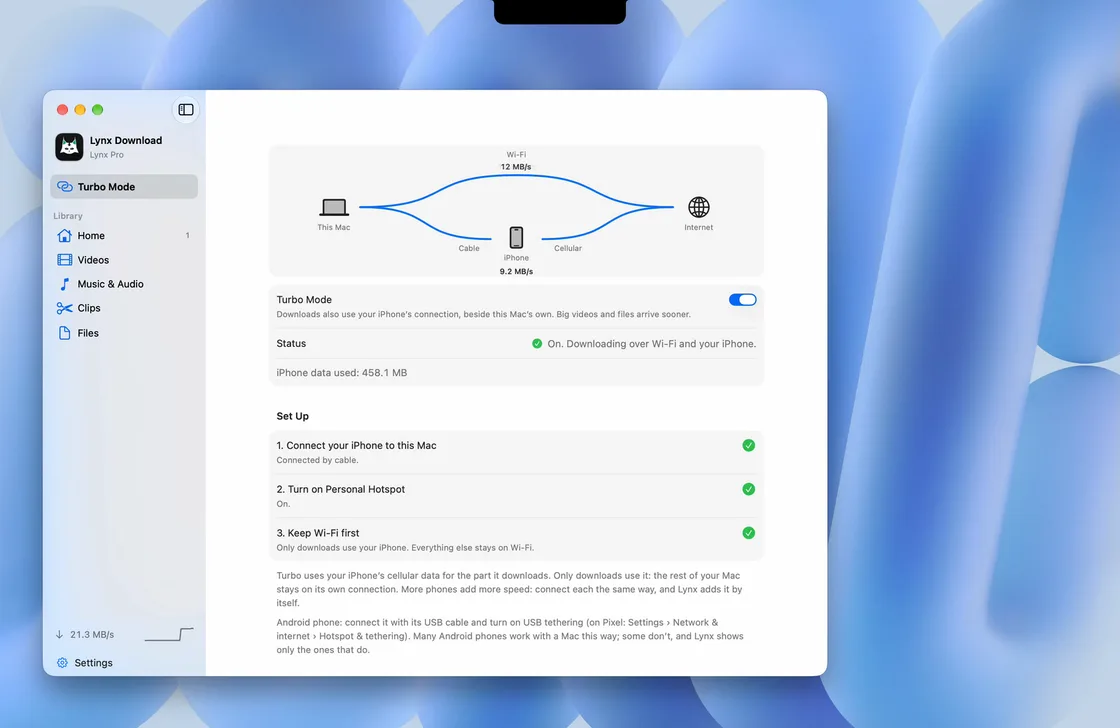
Turbo Mode at work
Wi-Fi and your iPhone both carry the download. The diagram shows each lane at work.
Turbo Mode on a deep blue wallpaper
The same three Turbo Mode moments, a second take. Pick the wallpaper that suits your edit.
-
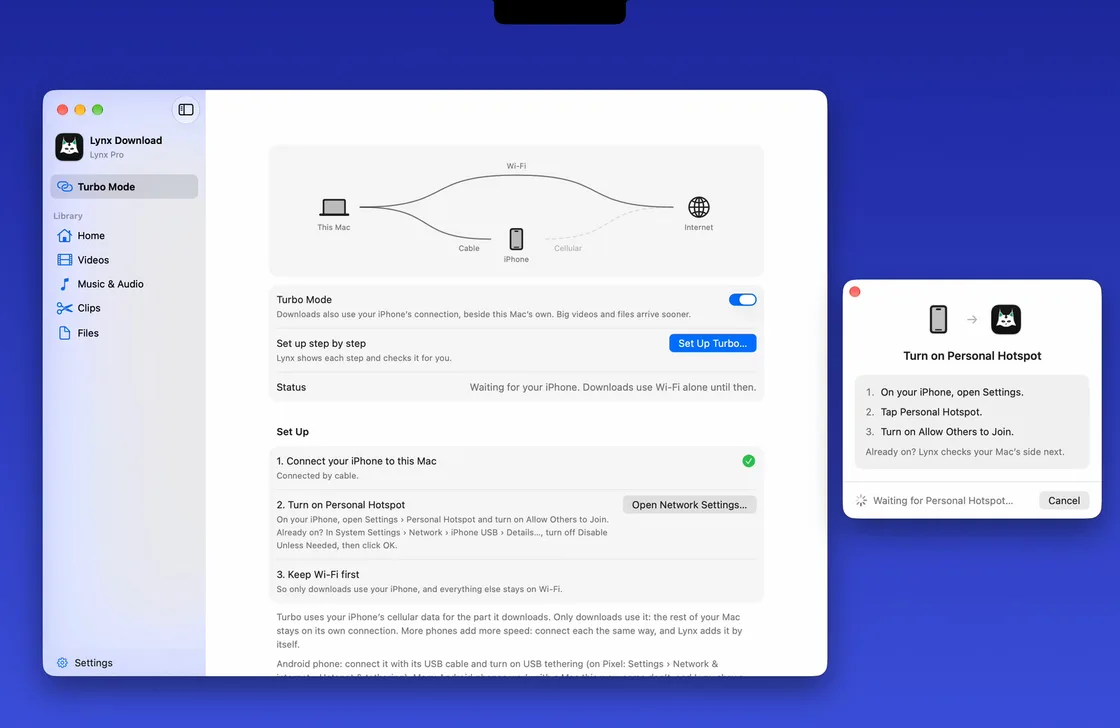
Turbo Mode setup
-
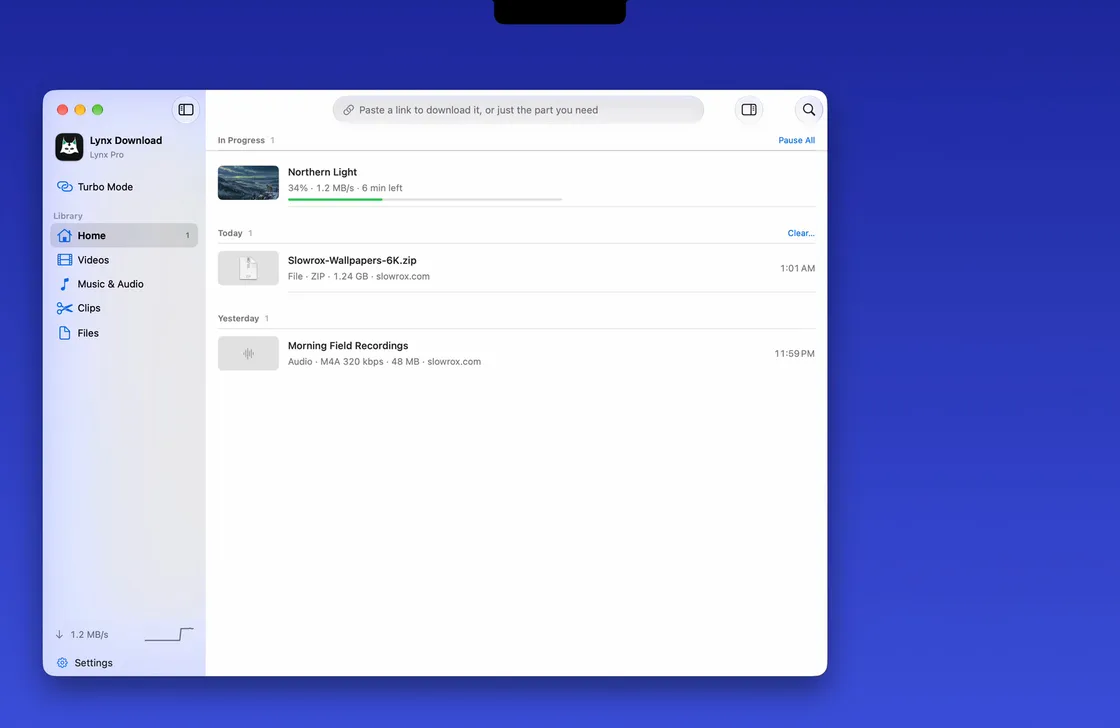
A big download on Wi-Fi alone
-
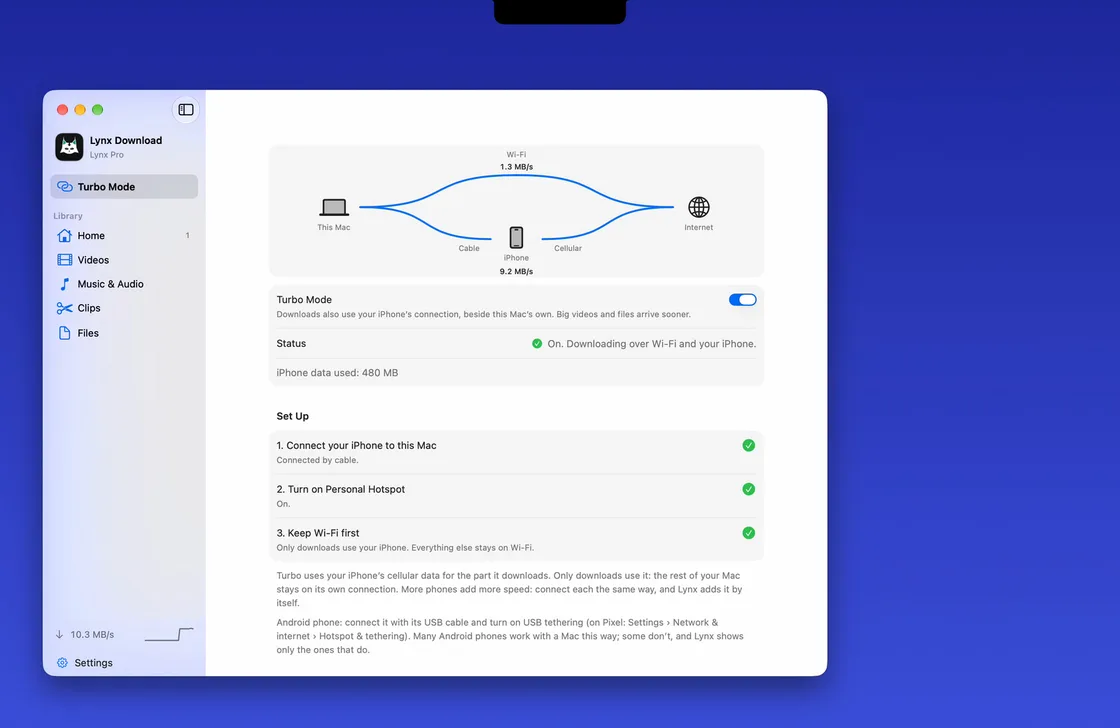
Turbo Mode at work
App icon and screenshots
Screenshots are 2400 × 1500 PNG. The files shown in them are our own demo files.



Lynx in short
- What it is
- A download manager for Mac, made by Slowrox. Apple silicon, macOS 14 or later.
- Clip
- Download just the part of a video you need, not the whole thing. Save it as video, vertical, square, GIF or audio.
- The notch
- Copy a link and Lynx offers it right under your Mac’s notch. Music, clipboard history and a file shelf live there too.
- Browser extension
- A Lynx button in Chrome, Edge, Brave, Arc, Dia, Comet, Vivaldi, Opera and Chromium. One click and it’s downloading in Lynx.
- Turbo Mode
- Your iPhone joins the download over its cable, so big files arrive dramatically faster.
- Plans
- Lynx Basic is free for files and 10 videos a day up to 1080p. Pro adds Clip, playlists, 8K and no daily limit, and every new Mac gets a 14-day Pro trial. Current prices
- Link for your viewers
- lynxdownloadmanager.com
A few asks
- Show the main features, above all Clip (download just the part you want) and the notch (your downloads and music right in the MacBook notch).
- Edit freely. Crop, zoom, speed up, add your voice and music. Please keep what the app shows as it is.
- Questions or a file you need? Email hello@lynxdownloadmanager.com.