How to clip GTA 6 for free
Saving a GTA 6 moment on the console is free. On a Mac, Lynx Download Manager gives you 14 days of every Pro feature, Clip Download included, with no account and no card, which covers launch week. After that, free whole videos and QuickTime keep it free.
The Lynx team Checked 4 min read
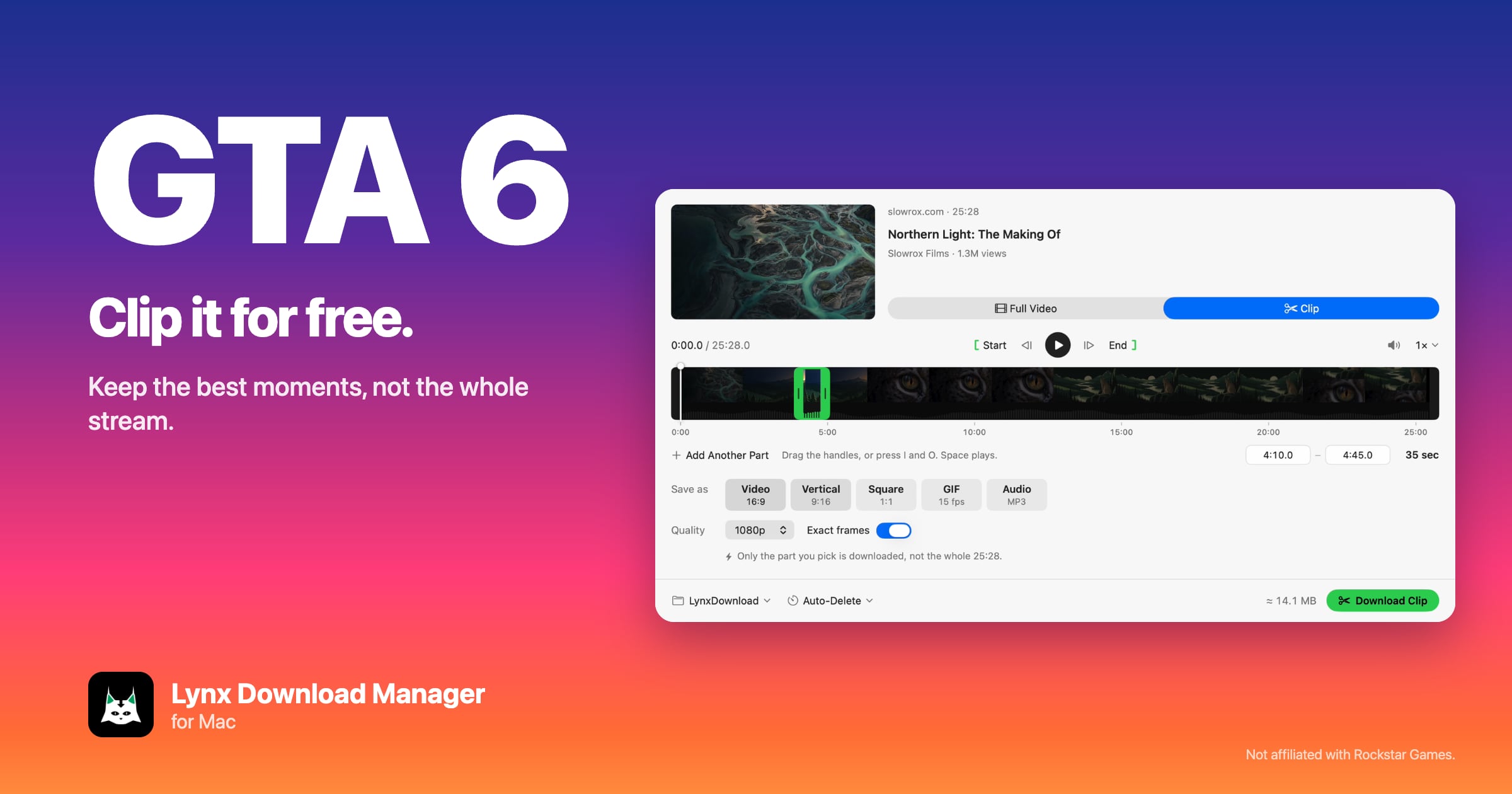
The short version
- On the console, free: PS5 Create button, or Xbox button › Capture & share.
- On a Mac, free for 14 days: install Lynx, paste a stream replay’s link, switch to Clip and download just the moment. No account, no card.
- After that, still free: Lynx Basic downloads 10 whole videos a day, and QuickTime Player trims them.
What are the free ways to clip GTA 6?
Three, and they fit together. GTA 6 comes out on November 19, 2026 for PlayStation 5 and Xbox Series X|S, with no Mac or PC version, so a Mac handles the part after the game: the long streams, replays and recordings.
| Way | Cost | Best for |
|---|---|---|
| Console capture | Free | Your own gameplay, as it happens |
| Lynx Clip on a Mac | Free for 14 days | Just the moments from long stream replays and Drive videos |
| Lynx Basic + QuickTime | Free, no time limit | 10 whole videos a day, trimmed on your Mac |
How do you clip GTA 6 for free on the console?
Both consoles record in the background at no cost, so you can save a moment after it happens.
- PS5: press the Create button and save the recent gameplay. How much it keeps is set in the console’s Capture settings.
- Xbox Series X|S: press the Xbox button, then go to Capture & share.
To work on them on a Mac, put the recordings in Google Drive. Lynx downloads Drive files on the free plan, and during the free days it clips Drive videos too. More in GTA 6 clips on a Mac.
How do you clip GTA 6 stream replays for free on a Mac?
Use the 14 free days of Lynx Pro. A launch-day stream replay can run six hours or more, and Clip downloads only the moment you mark, not the whole replay.
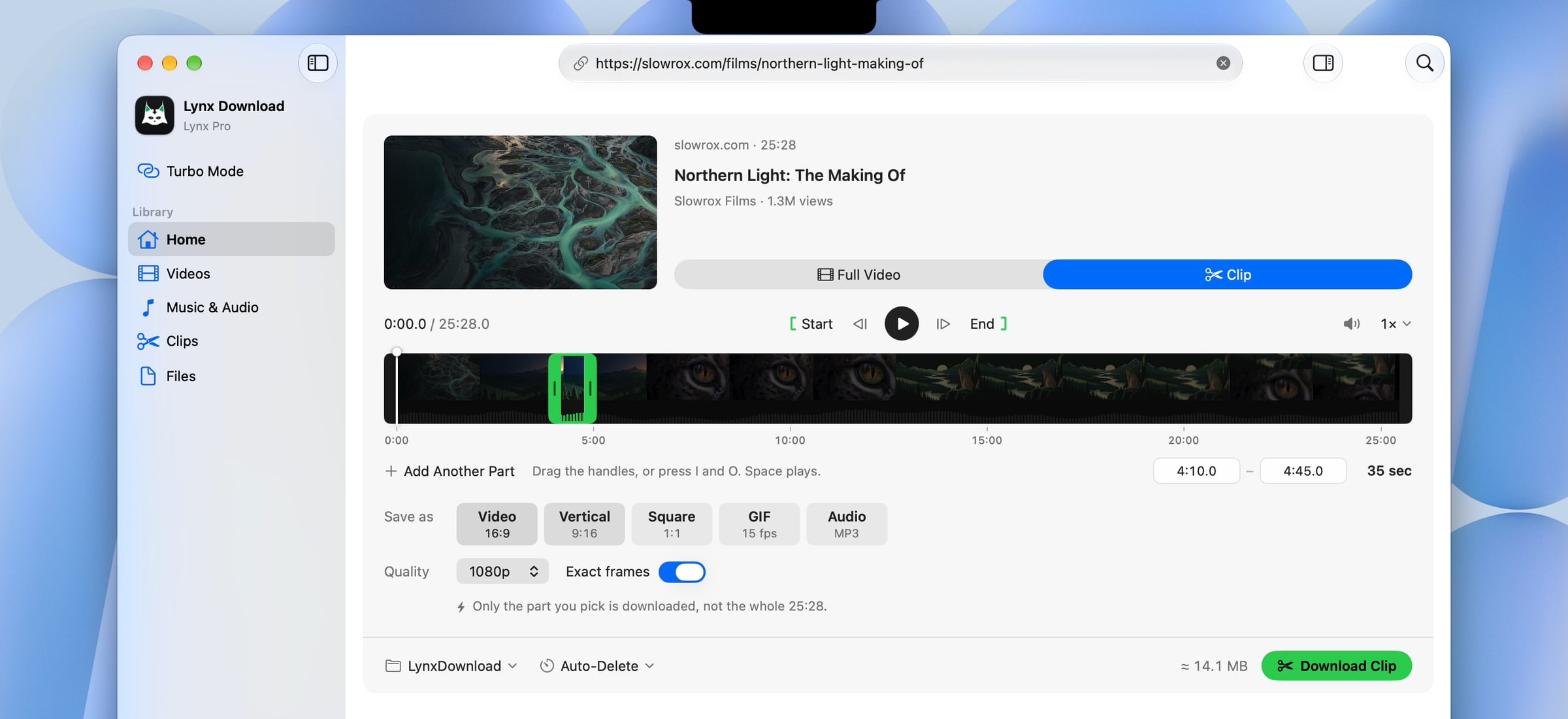
- Download Lynx Download Manager for Mac and open it. Every Pro feature, Clip Download included, turns on for 14 days. No account and no card.
- Copy the link to the GTA 6 stream replay and paste it into Lynx.
- On the card, switch from Full Video to Clip.
- Drag the two green handles to the start and end of the moment. Add Another Part for every other highlight.
- Choose Video, Vertical 9:16, Square, GIF or Audio and press Download Clip. Only those parts are downloaded.
When should you install, so the free days cover launch week?
On launch day or the day before. The 14 days start when you install, so installing around November 19, 2026 keeps Clip free through the first two weeks, when the most streams and replays go up. There is nothing to cancel: Lynx asks for no card, and when the days end it simply becomes the free Lynx Basic.
What stays free after the 14 days?
Lynx Basic, with no time limit:
- 10 whole videos a day, up to 1080p.
- Files and Google Drive files, resumable, over up to 8 connections a file.
- The notch and the browser extension.
Clip Download, which downloads only the part, is Pro ($29.99 a year, $4.99 a month or $99 once). Without it, download the whole video and trim it on your Mac.
How do you trim a GTA 6 video for free with QuickTime?
QuickTime Player comes with every Mac and trims for free.
- Open the video in QuickTime Player.
- Choose Edit › Trim (or press ⌘T).
- Drag the yellow handles to the start and end of the moment, then click Trim.
- Choose File › Save to keep it as a new file.
It keeps one part per file and saves in the video’s own shape. For several parts, a vertical 9:16 version or a GIF in one go, use Lynx Clip.
Which GTA 6 clips can you post?
Your own streams, your console captures and the highlights you make from them. Other people’s streams only when they allow it, for example through their own clip program or with their permission. A short highlight with credit is a different thing from re-uploading someone’s full stream. Official trailers belong to their publisher, so check the rules where you post. Lynx doesn’t get around copy protection, so protected or paid videos can’t be downloaded or clipped.
GTA 6 and Grand Theft Auto are trademarks of Take-Two Interactive. Lynx is not affiliated with Rockstar Games.
Questions
Can you clip GTA 6 for free?
Is the 14-day trial really free?
When should I install to cover GTA 6 launch week?
What can I do for free after the trial?
Can I make free vertical GTA 6 clips?
Is GTA 6 on Mac or PC?
Sources
Checked on November 17, 2026. If something here is out of date, tell us.