GTA 6 clips on a Mac: how to save just the moment you want
GTA 6 is out on November 19, 2026 for PS5 and Xbox Series X|S, with no Mac version. On a Mac, you clip the long stuff: launch-week stream replays, your own console captures and trailers. Lynx Download Manager downloads only the part you choose, not hours of video.
The Lynx team Checked 5 min read
The short version
- While you play: on PS5 press Create to save recent gameplay; on Xbox press the Xbox button and open Capture & share.
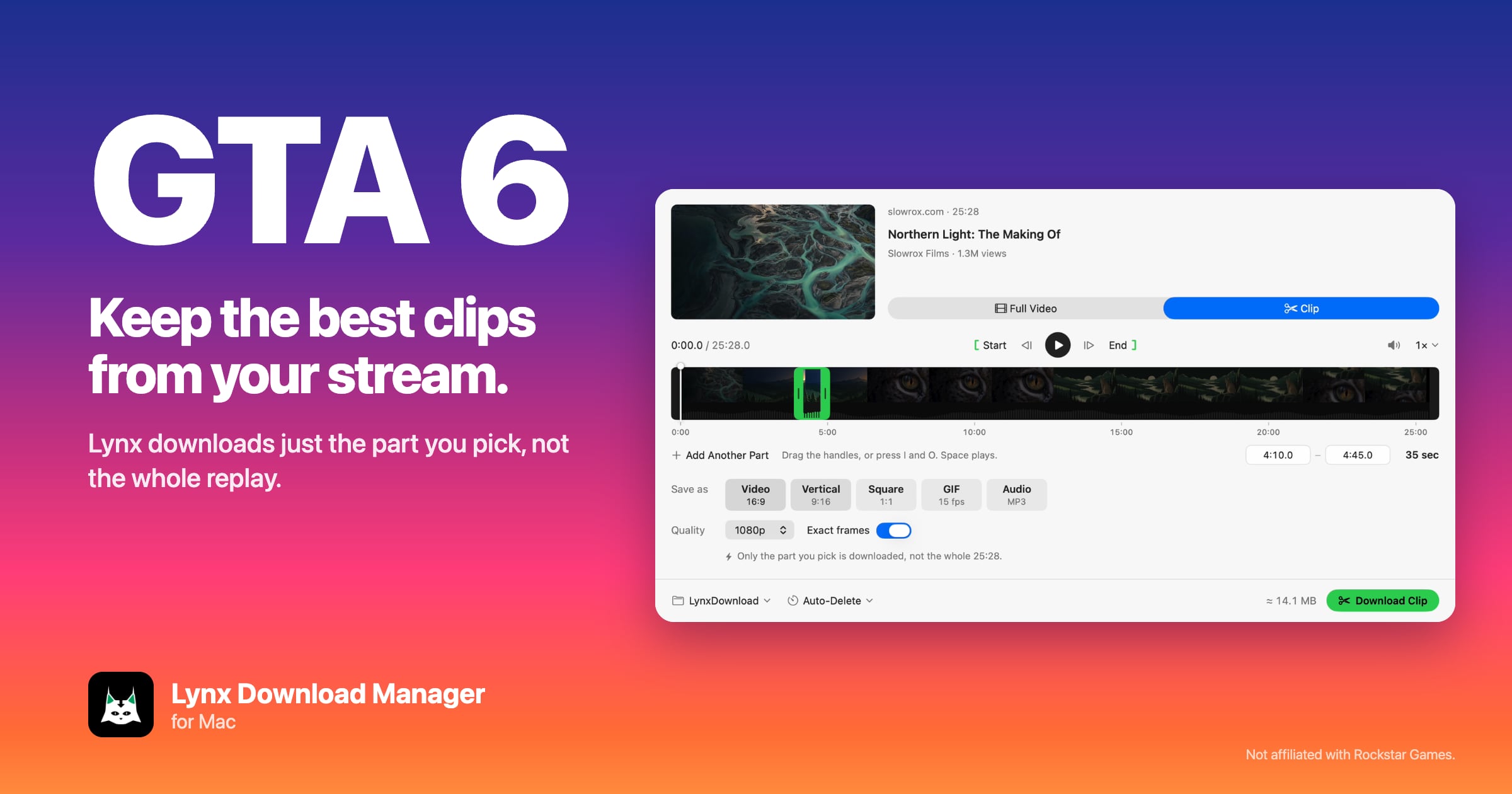
- On a Mac: paste a stream replay’s link into Lynx, switch to Clip, drag the handles around the moment and press Download Clip. Only that part comes down.
- Your own console clips: put them in Google Drive, paste the link into Lynx and clip or pick files from there.
- For short-video apps: choose Vertical 9:16 before you download.
Can you play or record GTA 6 on a Mac?
No. Grand Theft Auto VI comes out on November 19, 2026 for PlayStation 5 and Xbox Series X|S. No PC or Mac version has been announced, so there is no GTA 6 gameplay to record on a Mac.
What a Mac is good for is the part after the game: going through hours of launch-week streams and replays, your own console recordings and long trailers, and keeping only the moments worth a post. That is a download job, not an editing one, and the trick is to download just those moments instead of the whole thing.
How do you save a GTA 6 clip on the console?
Both consoles keep recording in the background, so you can save a moment after it happens.
- PS5: press the Create button on the controller and save the recent gameplay. How many minutes it keeps is set in the console’s Capture settings.
- Xbox Series X|S: press the Xbox button, then go to Capture & share to record what just happened.
Check the capture settings on your console before launch day, so the length and quality are what you want when the first big moment hits.
How do you clip part of a GTA 6 stream replay on a Mac?
Download only the part you need. A launch-day stream replay can run six hours or more. Downloading all of it to keep 40 seconds wastes the time and the disk space. Lynx Download Manager fetches just the section you mark on long videos, when the source allows it.
- Copy the link to the stream replay.
- Paste it into Lynx Download Manager.
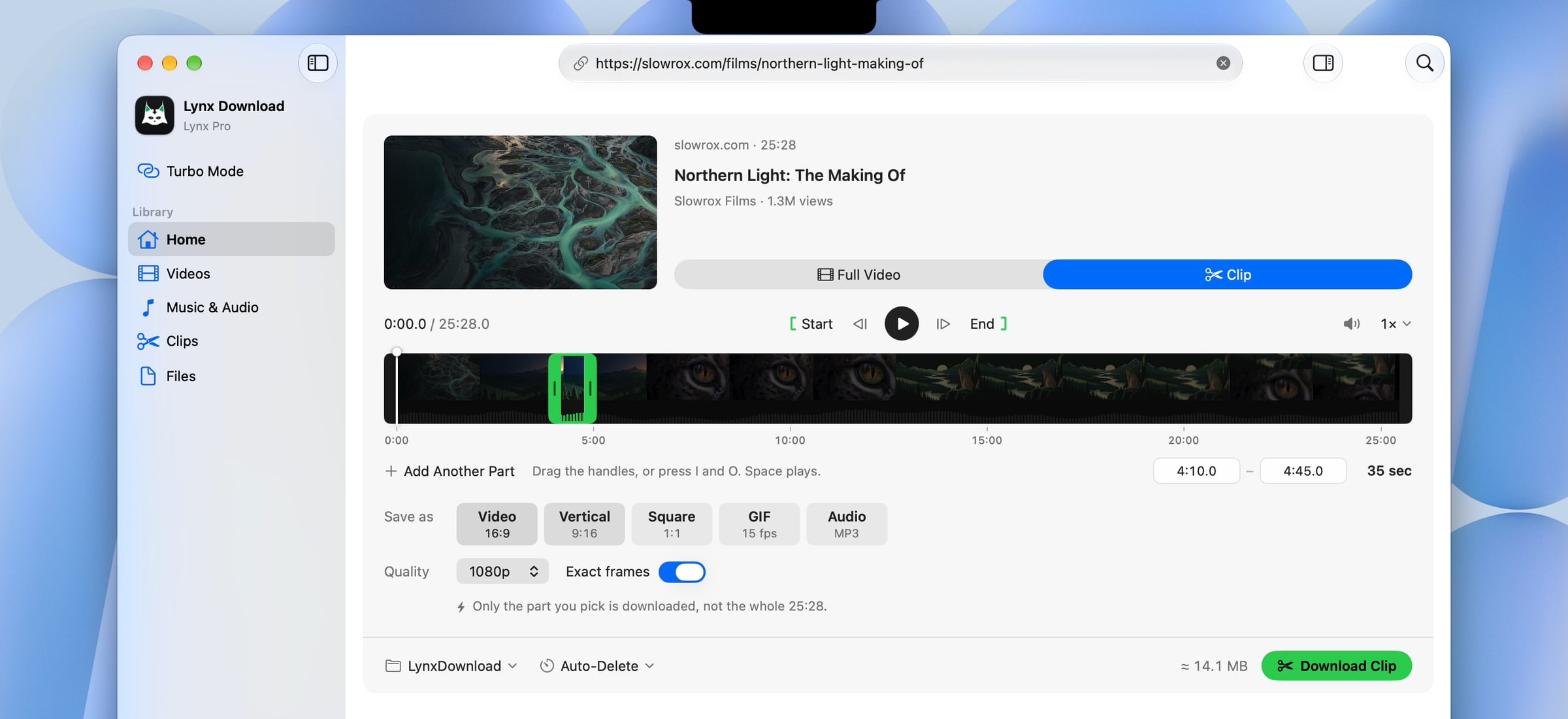
- On the card, switch from Full Video to Clip.
- Drag the two green handles to the start and end of the moment, or type the times. Turn on Exact frames to start on the exact frame.
- Choose Video, Vertical 9:16, Square, GIF or Audio, then press Download Clip. Lynx downloads only that part.
Lynx saves the part as a clip in its Clips list, ready for your editor or to post as it is. It doesn’t edit video: it gets you the moment, and the cutting room is up to you.
How do you save several highlights from one long replay?
Mark them all in one go. In the Clip card, choose Add Another Part for each moment, set its start and end, and download them together. Each part is saved as its own file, so a three-hour session can turn into five short clips without a single full download.
Pick the shape per job under Save as:
- Video 16:9 for your channel or a longer edit.
- Vertical 9:16 for short-video apps.
- Square for feeds, and GIF for a reaction in a chat.
- Audio to keep just a line of dialogue or your own commentary.
Turn on Exact frames when the clip has to start on a precise frame, such as a jump or a crash. A fast cut can start at the nearest keyframe, a moment early. More on clip shapes and reframing.
How do you clip your own console captures on a Mac?
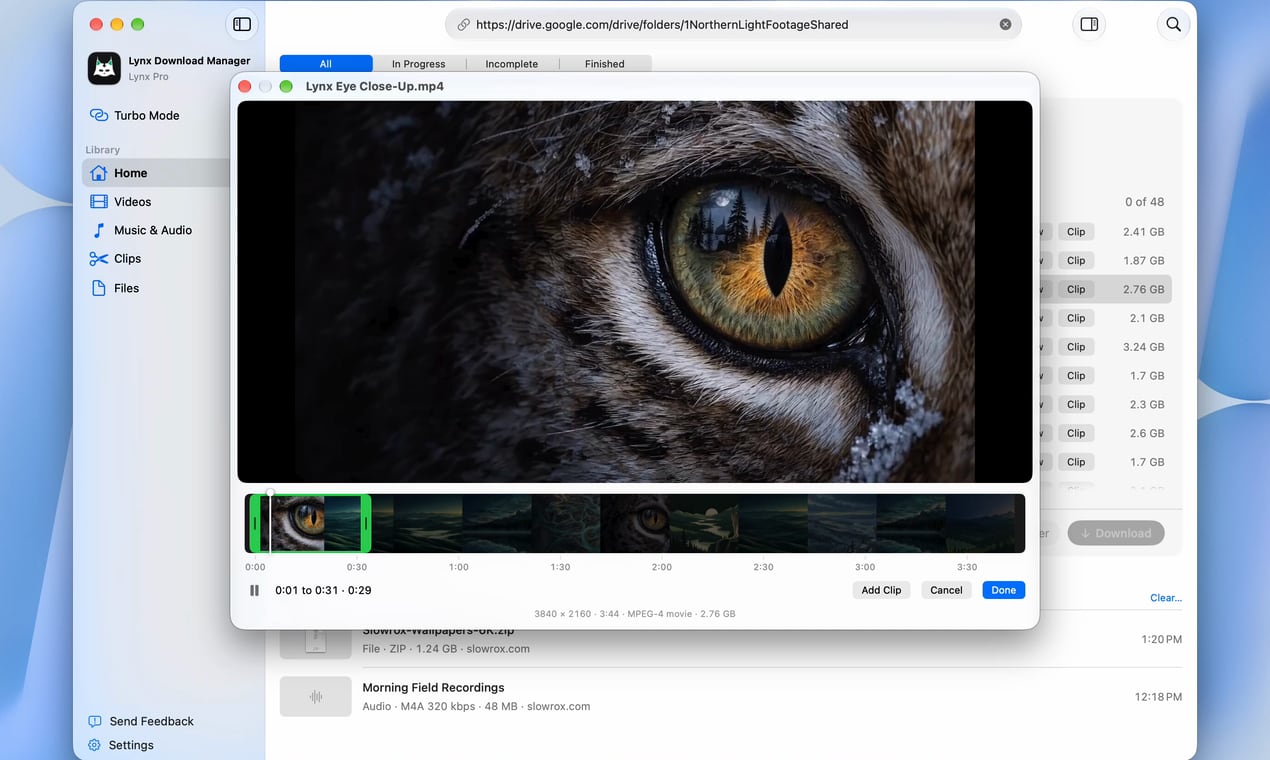
Get them into Google Drive, then let Lynx pick the parts. Copy the recordings off the console to a USB drive, or let the console maker’s phone app pick them up, and upload them to your Drive.
Paste the Drive link into Lynx. A Drive video gets the same Full Video or Clip choice, so a 20-minute capture doesn’t have to come down whole. A shared Drive folder opens as a list of every file, up to 1,000, with subfolders kept, so you tick just the recordings you need. Drive files download as real files and resume if the connection drops.
What’s the quickest way to start a clip?
Copy the link. When you copy a video link anywhere on your Mac, Lynx Notch offers it right under the camera, with the title, length and a button to download the whole video. To cut just a part, paste the same link into Lynx and switch to Clip.
In the browser, the Lynx extension for Safari, Chrome, Edge, Brave, Arc and other Chromium browsers offers the video on the page, with Clip as well.
What’s free, and what needs Pro?
| Job | Lynx Basic (free) | Lynx Pro |
|---|---|---|
| Whole videos | 10 a day, up to 1080p | Up to 8K |
| Clip Download (one or several parts) | No | Yes |
| Google Drive files and folders | Yes | Yes |
| Notch link offers and the browser extension | Yes | Yes |
| Connections per file | Up to 8 | Up to 32 |
Every Pro feature is on for 14 days after you install, with no account and no card, which covers launch week (see how to clip GTA 6 for free). Pro is $29.99 a year, $4.99 a month or $99 once. Lynx needs a Mac with Apple silicon (M1 or later) and macOS 14 or later. See pricing.
Which GTA 6 clips can you post?
Your own: your streams, your console captures and the highlights you make from them. Other people’s streams only when they allow it, for example through their own clip program or with their permission, and a short highlight with credit is a different thing from re-uploading their full stream. Official trailers belong to their publisher, so check the rules where you post.
Lynx doesn’t get around copy protection, so protected or paid videos can’t be downloaded or clipped. For more on cutting files you already have, see how to get a clip out of a long video on a Mac.
GTA 6 and Grand Theft Auto are trademarks of Take-Two Interactive. Lynx is not affiliated with Rockstar Games.
Questions
How do you clip GTA 6?
Is GTA 6 on Mac or PC?
How do I download only part of a GTA 6 stream?
Can I save several GTA 6 moments from one stream at once?
How do I make vertical GTA 6 clips for short-video apps?
How do I get my PS5 or Xbox clips onto a Mac?
Is clipping someone else’s GTA 6 stream allowed?
Is Lynx free?
Sources
Checked on November 17, 2026. If something here is out of date, tell us.